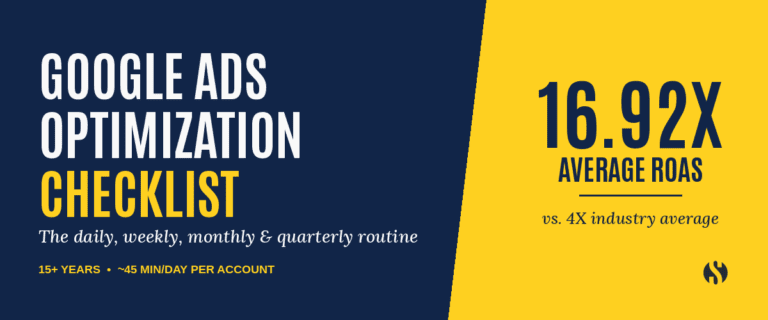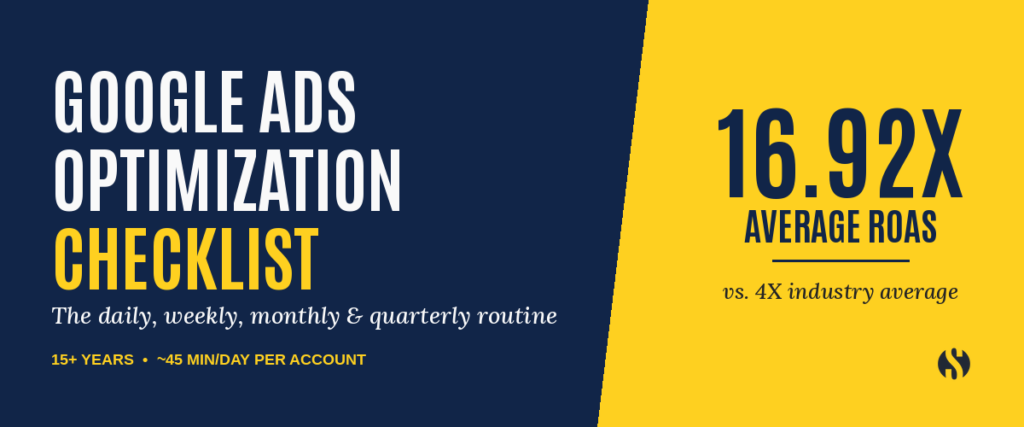
We’ve run Google Ads accounts at Strategy for 15+ years and have an average ROAS of 16.92X (If your jaw isn’t on the floor, industry average is only 4X). If you run Google Ads yourself (or you’re thinking about it), this post is for you. Here’s the Google Ads optimization checklist our team runs on every account, broken down by day, week, month, and quarter, with the time each one costs, in order to get that almost 17X ROAS.
Here’s the big idea: until a campaign is healthy (printing money) we work on it every single day with extra checks every week and month. Quarterly we review the strategy. For an experienced campaign manager with the right tools, the daily work runs about 45 minutes per account.
But if you’re reading this article, you probably aren’t seeing results like this already.
If you’re new to Google Ads, plan on it taking you much longer, especially in the first few months. That’s normal. You’ll be learning what to look for while you look for it.
You’ll see other guides say a daily check takes 10 to 15 minutes. Ours takes longer because we check and do more. Besides search terms and disapprovals, we listen to call recordings, watch session recordings, and make sure tracking still works. Those three checks catch the problems that cost you leads quietly (and they’re the ones that eat the extra time).
Most Google Ads tips lists you’ll find are one-off hacks. Flip a setting, add a keyword, done. Sounds great, right? Well, a healthy account takes a routine. In this article we’ll walk through that routine, one layer at a time.
Want to Grow Your Google Ads Skills?
Ready to grow your Google Ads skills with more expert content? Join our free marketing e-course and we’ll send the best marketing info directly to your inbox.
WHAT DOES MANAGING GOOGLE ADS ACTUALLY INVOLVE?
Here’s a story you might know. You set up a campaign. The calls come in. Then, a few months later, the calls slow down and you can’t tell why. The account drifted, little by little.
Google is constantly “optimizing” your campaigns. Why the quotes? Because what Google is really optimizing for is more money in their pockets (i.e. burning your spend faster). If you care for your campaigns, this means you get more leads. If you don’t, it means you waste a lot of money really fast.
Managing Google Ads, and keeping your account ROI positive, comes down to four layers of work. Each layer catches problems the one before it can’t see.
DAILY WORK
- Search terms, disapprovals, session recordings, call recordings, tracking checks
- About 45 min per account (experienced). Much longer if you’re new.
WEEKLY WORK
- Spend by search term, pacing, week-over-week trends, Quality Score improvements
- About 90 min per account
MONTHLY WORK
- Pause underperformers, refresh ads, A/B tests, location and time-of-day settings
- About 2 hours per account
QUARTERLY WORK
- Full account audit, conversion tracking verification, strategic calibration and updates.
- About 5 hours per account
We call this WORK because it is. You have to show up, put in the time, and make good strategic decisions to grow your account. Industry average is only 4X, remember? If it was easy…
However, knowing what to do is the hardest part. Once you know the four layers, the rest is just showing up and doing them. And by the time you finish this article you’ll have all the info you need to send your ad performance to the moon.
WHAT’S ON A DAILY GOOGLE ADS OPTIMIZATION CHECKLIST?
This is where most of your time goes. It’s also where most problems get caught early (and cheaply). Here’s the daily list:
- Search terms. See what people typed before they clicked your ad. Bad matches waste money every day you leave them alone, so add terms that are poor fits as negatives as you find them. (Google Ads Help: search terms report)
- Disapprovals. Check for ads or assets Google has turned down. A disapproved ad doesn’t run, and Google won’t always make it obvious.
- Session recordings. Watch how real visitors use your landing page. You’ll spot confusion that no report shows you. Microsoft Clarity is a great free tool to get this done.
- Call recordings. Listen to the calls your ads bring in. Are they the right callers? Did someone answer? We use CallRail to do this.
- Tracking checks. Make sure your calls and form fills are still being recorded. If tracking breaks, you can’t prove what’s working, and Google learns from the wrong signals.
For an experienced campaign manager this takes about 45 minutes per account. If you’re doing it yourself for the first time, block off a lot more than that. You’ll get faster as you learn what “normal” looks like in your account.
WHAT’S ON A WEEKLY GOOGLE ADS OPTIMIZATION CHECKLIST?
Daily checks catch fires. Weekly reviews show you the trend. Each week, look at:
- Week-over-week performance. Compare clicks, cost, and conversions to last week. A sudden swing is your cue to dig in.
- Spend by search term. Which searches are eating the budget? Are they the ones bringing in leads?
- Pacing. Are you on track to spend your budget for the month, or running hot or cold?
- Quality Score trends. Quality Score affects what you pay per click. Relevance between your keyword, your ad, and your landing page still makes clicks cheaper. (Google Ads Help: Quality Score)
Daily checks also make the weekly review faster because you’re familiar with how the account is behaving. At Strategy, we also built the whole routine as repeating tasks, so nobody works from memory.
WHAT’S ON A MONTHLY GOOGLE ADS OPTIMIZATION CHECKLIST?
Monthly work is where you make bigger moves, once you have enough data to trust. Each month:
- Pause underperformers. Keywords and ads that spend without results get cut.
- Refresh your ads and graphics. Write/design new versions so the account keeps learning.
- Run A/B tests. Test one change at a time so you know what made the difference.
- Check location and time-of-day settings. These are quiet settings that can cost you for months before anyone notices. An ad schedule set to the wrong time zone runs on the wrong clock. A campaign set to the whole country shows up far outside your service area.
WHAT GOES ON A QUARTERLY GOOGLE ADS AUDIT CHECKLIST?
Once a quarter, step back and look at the whole account with fresh eyes. Here’s our Google Ads audit checklist:
- Full account health audit. This is the big one. Every quarter you have to check every metric, every setting, every single nook and cranny of the account. This catches so many mistakes and account-damaging things (sometimes stuff Google just did without asking), that it would make your head spin.
- Conversion attribution. Confirm every conversion still tracks right, end to end.
- Competitor and market analysis. See how the market has shifted during the quarter and make a plan to keep in front of competitors.
After doing the quarterly checklist, we refresh the strategy. We have enough data and new research to make a quarterly plan to improve results. Then there’s often a brief rebuild period as we get changes applied.
SHOULD YOU MANAGE GOOGLE ADS YOURSELF OR HIRE HELP?
You can run Google Ads yourself. This PPC checklist is the routine, and if you follow it you’ll be ahead of a lot of advertisers.
But count your time. If the daily checks take you two or three times longer than they take an expert, that time comes out of running your business. Here’s what most owners think when they read a list like this one:
“I have to do this daily? I have to do this every week? There’s so much stuff I have to find and check and track, and are all these systems I need…”
If you’re feeling overwhelmed, you’re not alone. Many clients come to us with accounts they’ve started but just don’t have time to manage correctly. If you’re concerned you’ll end up wasting money, you need an agency partner.
READY FOR A SECOND SET OF EYES ON YOUR GOOGLE ADS?
If you’d like an expert to look at your account, book a call with our PPC team. We’ll audit your account, show you everything that’s holding back performance, and give you a clear plan to get the leads you need to grow.
FREQUENTLY ASKED QUESTIONS ABOUT MANAGING GOOGLE ADS
How much time do you spend on Google Ads per day?
For an experienced campaign manager, the daily work runs about 45 minutes per account. If you’re new, expect it to take much longer, especially at first. Weekly, monthly, and quarterly reviews add more time on top.
How often should you check a Google Ads account?
Every day for search terms, disapprovals, recordings, and tracking. Then weekly, monthly, and quarterly for bigger reviews and changes.
How often should I check search terms and add negatives?
Daily. Wasted clicks add up every day a bad search term keeps running, so add negatives as soon as you find them.
Can you set up a Google Ads account and forget it?
No. Accounts drift without upkeep. Search terms change, ads get disapproved, and tracking breaks without warning.
What should a daily Google Ads check include?
Search terms, disapprovals, session recordings, call recordings, and tracking checks.
What is Google Ads management?
It’s the ongoing work of checking, adjusting, and testing an account so your budget goes to the searches that bring you customers.
Enjoy content from Strategy Marketing? Make us one of your preferred sources on Google.